
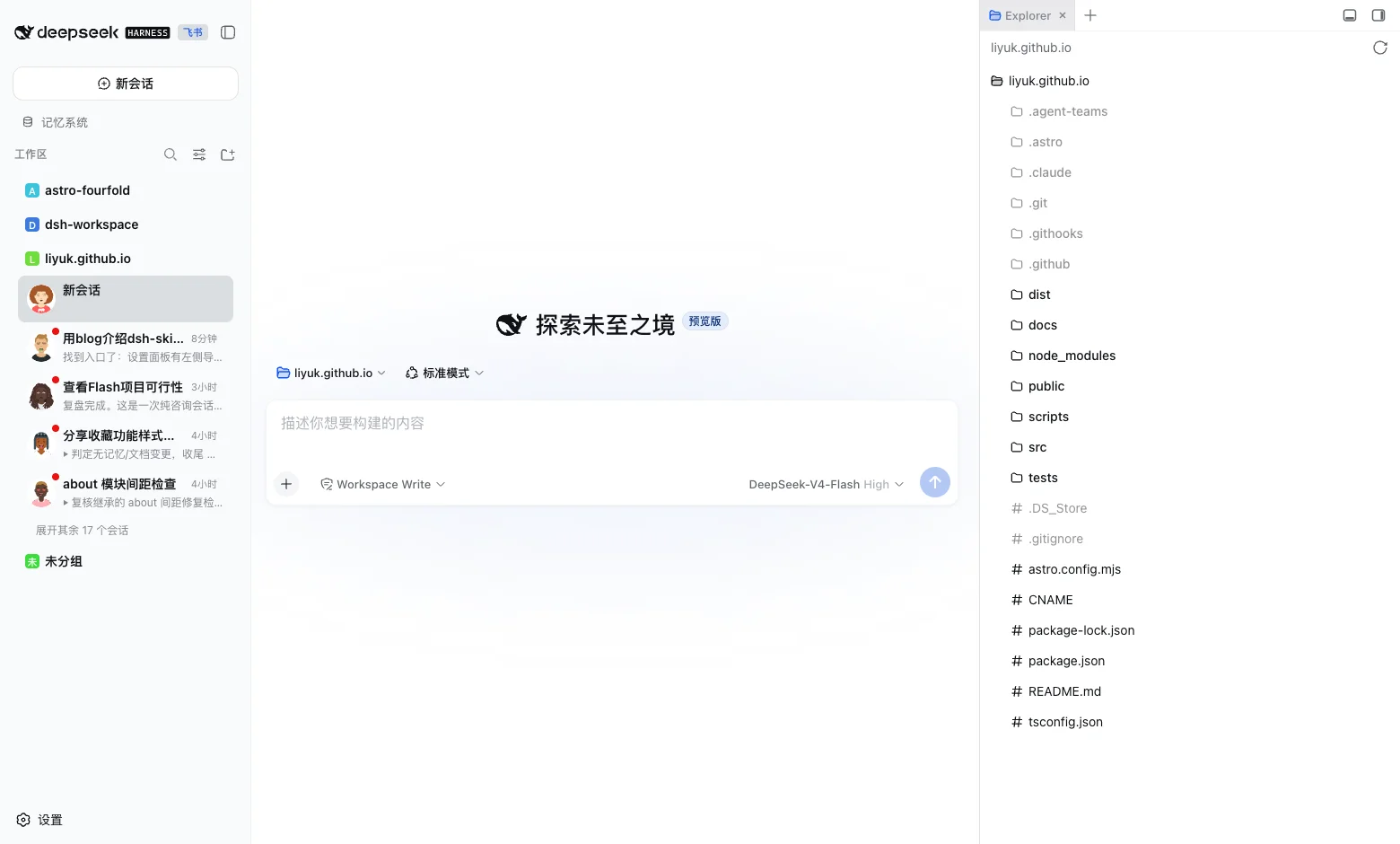
View the project and installation guide on GitHub ↗
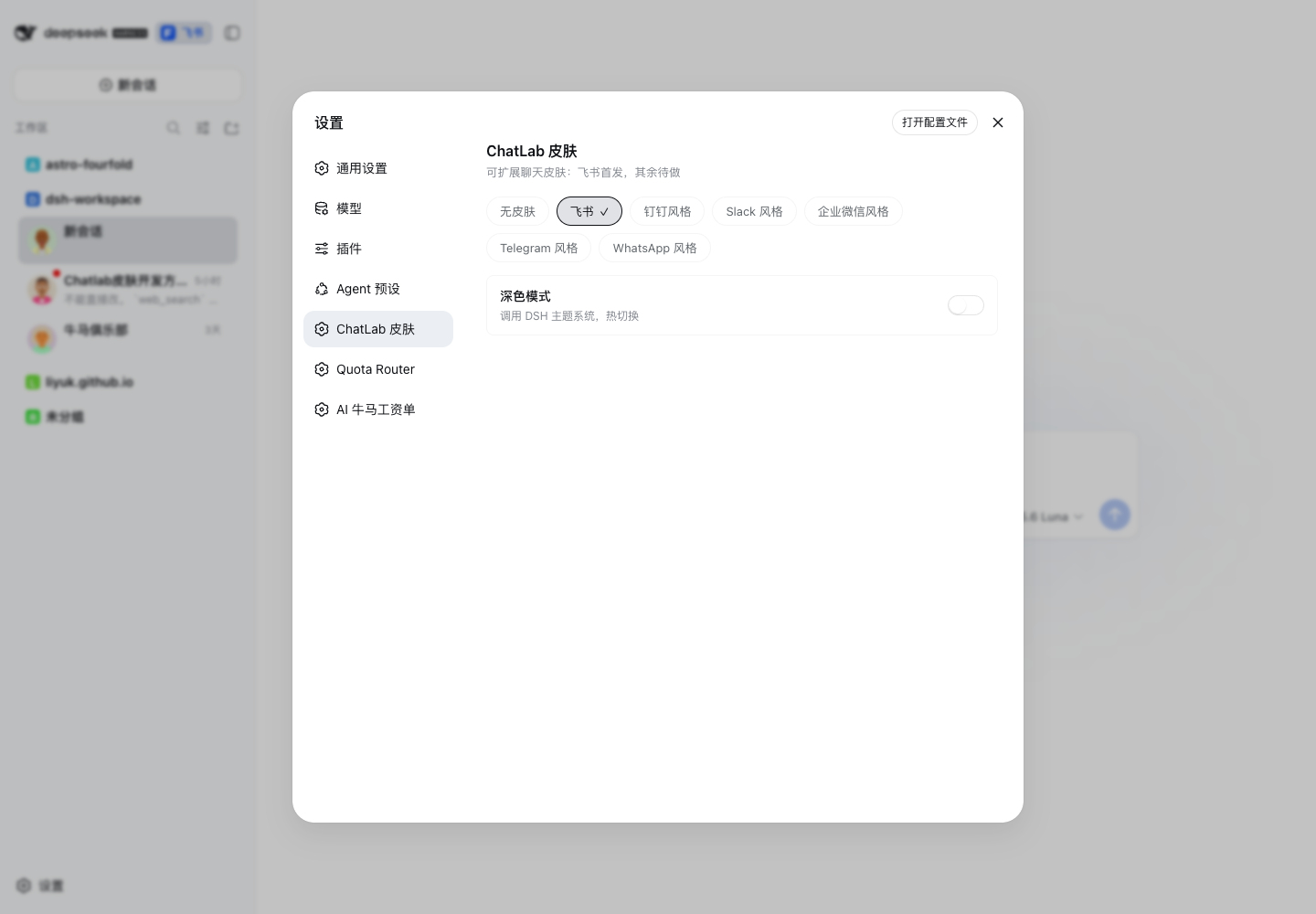
This release moves dsh-skin-chatlab beyond a single Feishu adaptation. DSH Web can now switch between six independently published visual skins: Feishu, Slack, WeCom, DingTalk, Telegram, and WhatsApp.
What the upgrade delivers
- A base-plus-skin boundary: core owns registration, switching, DOM decoration, previews, unread state, and lifecycle cleanup; skins own tokens, CSS, and brand marks.
- Six independent npm skin packages, installable together or selectively.
- An aggregate bundle patch:
@liyuk/dsh-skin-chatlabnow adds core and all six skins todsh.profile.bundles. - Project-group and contact-like navigation, with skin-specific project icons, avatars, latest-reply previews, unread indicators, and running state.
- Branded composers: borders, toolbars, send controls, focus, hover, and active motion vary by skin without overriding host geometry or padding.
- A real uninstall path: selecting “No skin” removes owned styles, nodes, state classes, and HTML markers.
- Partial-load safety: a preference pointing at an unavailable skin falls back to an installed ready skin, while late skin registration activates automatically.
This upgrade turns a skin from a set of page styles into a lifecycle-aware plugin. Registration, activation, refresh, switching, and uninstalling each have an explicit boundary. Core owns no brand-specific visual language, and a skin does not take over DSH Web’s React state; they coordinate through the registry, session snapshots, and a small set of core-owned DOM nodes.
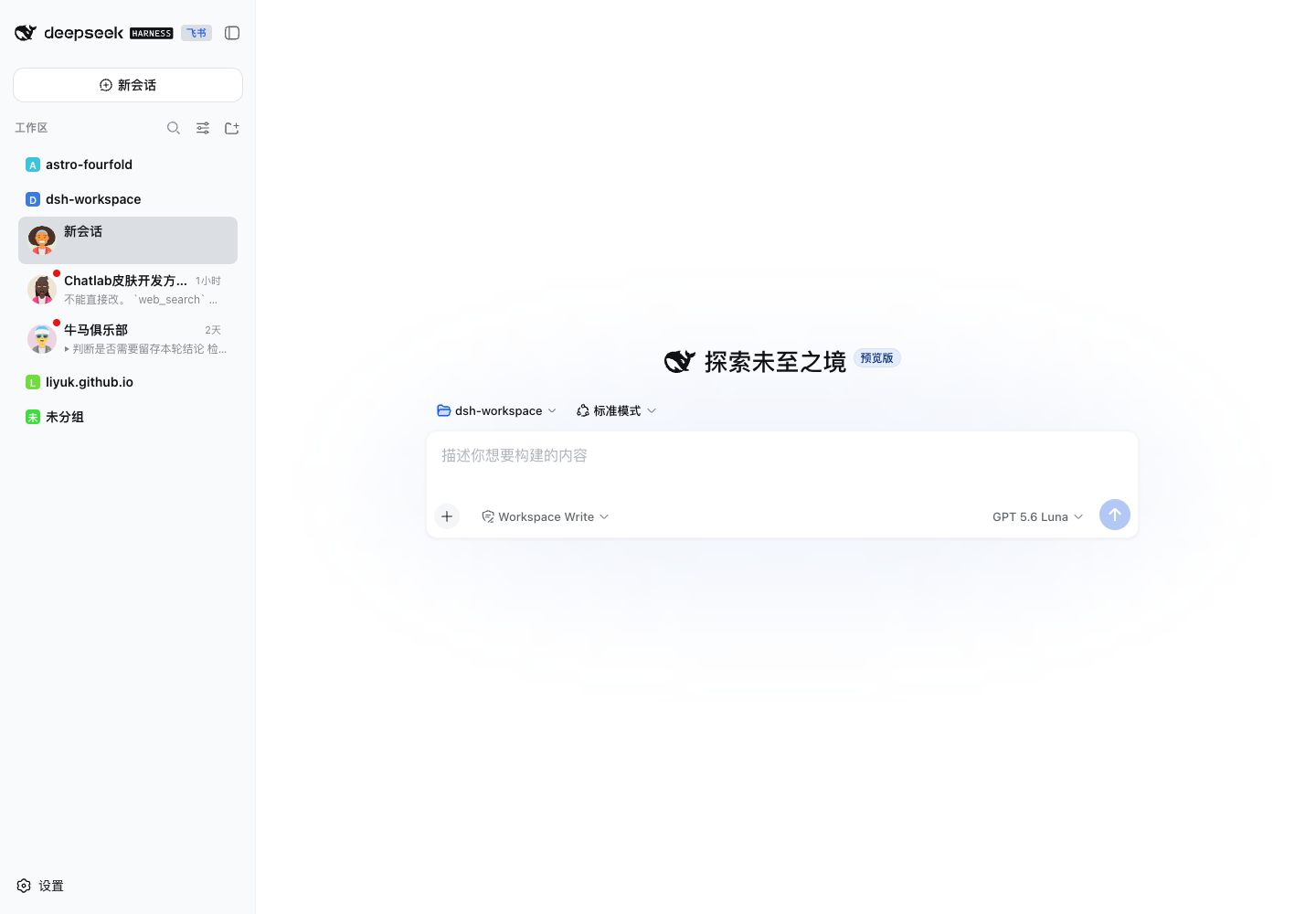
Six skins, not six copies
The packages share DSH’s data boundary, but express different product grammars:
| Skin | Visual direction | Composer motion |
|---|---|---|
| Feishu | restrained blue, compact editor, light focus ring | send control lifts slightly |
| Slack | squared controls, purple workspace feel | hover brightens without displacement |
| WeCom | green enterprise density | soft green hover shadow |
| DingTalk | blue, card-like hierarchy | subtle press scale |
| Telegram | large radii and circular controls | send control slides right |
| warm gray surfaces and green attention | lift plus green shadow |
These are visual projections. They do not claim to implement native channels, threads, reactions, presence, delivery receipts, or calls. The underlying data remains DSH’s existing session, turn, and loopback RPC model.
Why clicking an avatar used to change it
That was an identity-convergence issue, not uncontrolled randomness.
A blank session row can initially lack a reliable session id, so the skin generates a temporary avatar from its title. After the user clicks it, React marks the row selected and core can associate it with the current session id. Regenerating the URL from that id made the avatar jump.
When a blank row is first bound to a real session id, core now carries the existing image URL into the persistent sessionId → avatar URL map. The sidebar and chat header then read the same mapping, so clicking does not change the face. If React reuses a row for another session, old identity state is cleared first.
This also fixes two adjacent edge cases: a rerender cannot carry the previous session’s avatar into a reused row, and uninstalling the skin removes avatar nodes, state classes, and brand attributes. The skin can change the visual projection, but a temporary identity guess cannot become a persistent wrong identity.
What happens during one refresh
The refresh path is intentionally small:
- Core reads the registry and DSH’s session snapshot to establish available skins and session boundaries.
- It selects a ready skin from the preference; if that package is not installed, it falls back to an available skin instead of leaving a partial style state.
- The skin projects project groups, session rows, and the composer into CSS, while previews, unread state, and running state are written to nodes it owns.
- Once the refresh completes, avatar mappings are persisted as a batch and reused on the next refresh.
The order matters: identity and capability are resolved before the visual update. Otherwise the interface can briefly show a new skin over the previous row’s data, or preserve a preference whose CSS has not loaded yet.
React boundaries and performance
DSH Web is a React application. The skins do not install a global MutationObserver or move React-owned nodes. Core only appends owned nodes; CSS Grid and skin CSS handle placement.
The runtime constraints are:
- Only the selected skin’s CSS is injected; all six bundles are not mounted as active styles at once.
- Registry and session-list refreshes are coalesced through a 300ms timer. Preview RPC uses single-flight and an 8-second timeout.
- Avatar persistence is flushed once per refresh batch and capped at 200 entries.
The test suite now covers 101 assertions, including core-only mode, partial skin loading, unavailable-skin fallback, late registration, React row reuse, and avatar identity convergence. All six client bundles and the aggregate bundle patch pass build checks.
What this does not implement
The project deliberately does not simulate native IM capabilities. It does not invent channels, threads, reactions, presence, delivery receipts, or calls, and it does not rewrite DSH’s session, turn, or loopback RPC model just to make the interface look more native. That keeps the upgrade independently deployable and makes restoration to the default appearance verifiable.
Install
The recommended install is the aggregate package:
dsh plugin --profile web add @liyuk/dsh-skin-chatlabIt installs and loads core plus all six skins. For local development, use link: dependencies, run npm run build, and restart dsh web after source changes.
To load only a subset:
dsh plugin --profile web add \
  @liyuk/dsh-skin-chatlab-core \
  @liyuk/dsh-skin-feishu \
  @liyuk/dsh-skin-slack
Release order
The dependency order is:
core → feishu → slack → wecom → dingtalk → telegram → whatsapp → chatlabBuild and run a dry-run before publishing. The repository’s scripts/publish.mjs already publishes in that order.
The core capability is not pretending that DSH is one particular messenger. It is separating data from visual expression so the same sessions, previews, unread state, and running state can be safely reinterpreted by multiple skins without modifying the React host or existing plugins.